Choose reading mode (more settings inside the app)
Celer is a cheaper, simpler iOS reading app built for focus. Here is how it compares to Bionic Reading for ADHD readers.
The best Bionic Reading alternative for ADHD on an iPhone or iPad depends on what you actually need from the page. Bionic Reading bolds the first few letters of every word so your eye is pulled forward through the line, and a great many readers find that genuinely useful. If you read mainly on Apple devices, though, and what you want is a low price, deep control over how text looks, and PDFs that behave like real documents rather than flat images, Celer is the closer fit. This article walks through what each approach does and where each one earns its place, so you can choose on the basis of your own reading rather than on a guess.
If you would rather try the original method before comparing anything, you can read about it on the Official Bionic Reading® website and see how the bolded word openings feel in practice. Come back to this page afterwards, when you have a real reaction to compare against.
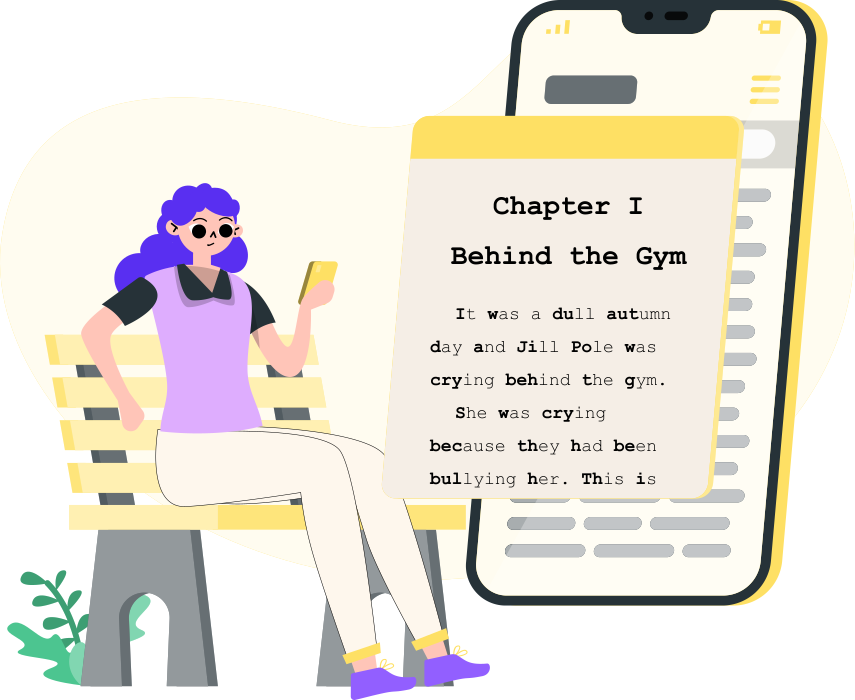
Why Reading Feels Harder With ADHD
Reading asks a great deal of exactly the skills ADHD makes hardest to summon: holding focus, ignoring the room, taking ideas in the order given, and remembering the sentence you finished thirty seconds ago. A dense page can look like a wall before you have read a line of it, and that impression alone is often enough to make you close the book. Working memory plays its part too, whether that means losing your place mid-paragraph or reaching the end of one to find its opening has faded. None of this reflects intelligence or effort; it is how executive function works differently in an ADHD brain. For the clinical background, Clinical Partners covers ADHD and reading difficulties in detail. Naming your specific problem matters, because a good tool solves something specific rather than something vague.
What Celer Does Differently
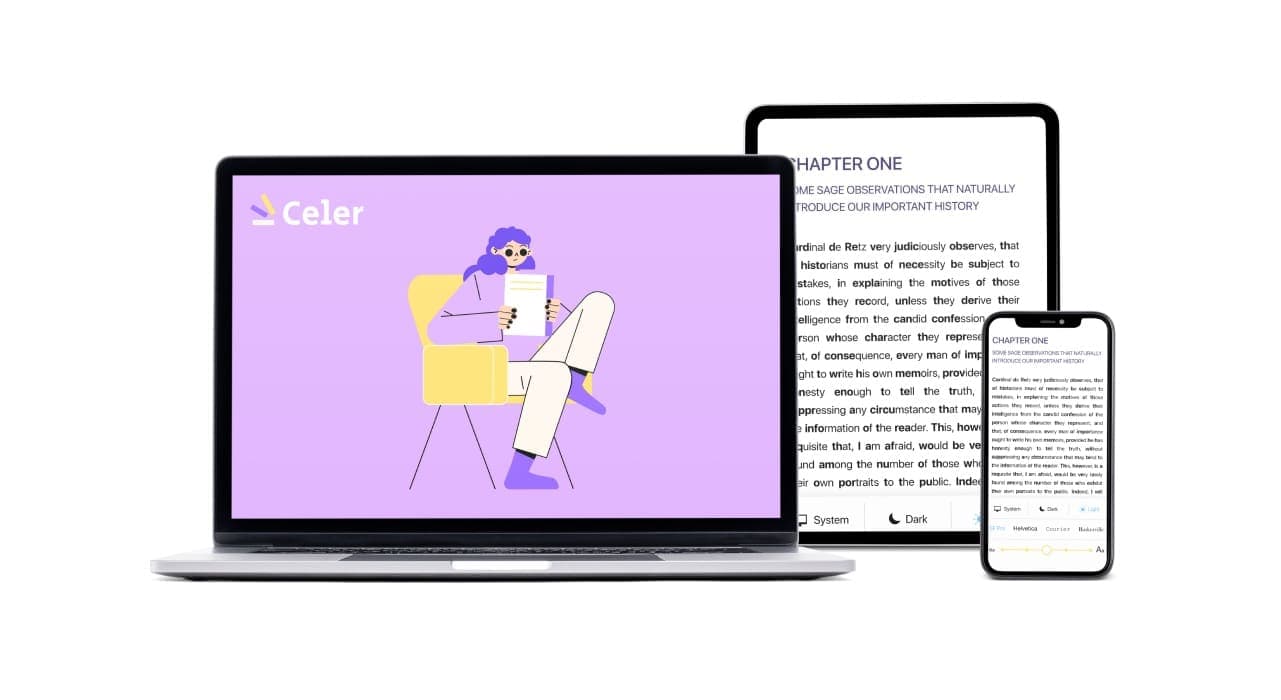
Celer is a simple, low-cost reading app made only for Apple devices, which means it runs on iPhone, iPad and Mac without the compromises that come with building for everything at once. The aim is ordinary everyday reading that you actually finish, so there is no feature bloat to wade through and no learning curve to climb before the app becomes useful. What you get instead are the settings that address the problems described above, already there when you open it for the first time.
Five features worth knowing about before you decide:
🎨 Themes: Making the Page Easier to Look At
Text customization matters most, so Celer ships with hand-designed themes spanning a wide range of color and font pairings, built with color deficiency, ADHD and plain visual fatigue in mind. Black text on bright white is harsher than most people realize: it creates glare, tires your eyes within twenty minutes and quietly makes focus more expensive than it needs to be. Celer offers softer contrast, dyslexia-friendly fonts such as OpenDyslexic, and background colors you set yourself. Turn the contrast down and the page stops reading as a wall of text. As the accessibility team at AudioEye points out, the font you choose and the way text is laid out genuinely change how readable a page is for people with ADHD. With enough themes available, you can keep adjusting until reading feels comfortable rather than costly.
If losing your place mid-paragraph is what brought you here, Celer’s moving highlight fixes exactly that.
📁 PDF Support
Celer reads PDFs properly and lets you work inside them rather than scroll helplessly past, which is more than a surprising number of reading apps manage. That capability matters the moment your course notes, work documents or research papers exist only as PDFs, because accessible PDF handling is the difference between a document you can genuinely use and one that shuts you out of your own material. When a PDF still fights you because its lines never move, convert PDF to EPUB first and read text that rewraps to your screen instead.
📲 Sync Across Your Devices
Your progress, your settings and your documents travel with you across iPhone, iPad and Mac without any effort on your part. Start a chapter on your phone over lunch, open your Mac that evening, and you land on the same line you left, with nothing to re-download and nothing to hunt for a second time.
🔐 Built for Privacy
What you read stays yours, and the app is built around that from the ground up rather than as an afterthought. We do not collect your personal data, and we do not hand anything over to third parties who would use it to follow you around with advertising.
💰 Priced to Be Affordable
You get the full set of iOS-native features for a genuinely low price, without a stripped-back version pushing you toward an upgrade later on.
Do Readers Actually Find Accented Text Easier?
Most of the people who tried it and answered said yes: 76.9% of 864 answers to the statement "It was easier to read Accented text" tapped Yes, and on a second item 78.6% of 866 answers said they could focus better on the accented passage. Accented text is Celer's own take on emphasizing the opening of each word, the same family of formats Bionic Reading belongs to, and the app's optional reading test shows one short passage in that mode and then asks about it. Both figures cover 4 August 2025 to 4 August 2026 and pool all seven languages the test runs in along with both wording variants.
Those are impressions rather than outcomes, and the difference matters. Each figure is a one-tap reaction to a single short passage, not a measure of reading speed or comprehension, and the yes-rate moves a long way by language, from 69% in Russian to 82% in English, which is why only the pooled number is worth quoting. "Focus better" is the reader's own sense of that one passage, not a validated attention measure, and nothing in the data tracks sustained attention. The alternative to Yes is "Not really" rather than a flat "No", a softened option that probably lifts the yes-share. Everyone counted here chose to install Celer and chose to take the test, and we collect no diagnosis or screening data of any kind, so none of this is a finding about ADHD readers.
Does That Prove Accented Text Works?
No, and the honest reason is that there is no plain-text arm to compare against: nobody in that data read the same passage both ways. Independent testing of bolded-prefix formats has not found the gains they are usually sold on either. Readwise's timed test of 2,074 readers found, across the 1,916 results left after data cleaning, average reading speed 2.6 words per minute slower with the format than without it and identical mean comprehension of 88% in both conditions, and reading researcher Lauren M. Singer Trakhman argues in The Conversation that the speed claims behind the format were never properly tested in the first place. Comfort is still worth having, since a page you are willing to stay on is a page you might finish, but comfort is the whole of what these answers measure. The full method, the denominators and what a year of session data does and does not show are laid out in our year of anonymized Celer reading data.
Celer is designed to sit quietly alongside you while you read on iOS instead of becoming one more thing you have to manage and maintain. It adapts to how you read, keeps your data private by default, and costs little enough that finding out whether it suits you is close to free.
Try Celer free on iPhone and iPad

⭐️⭐️⭐️⭐️⭐️
"The only time I’m excited to read is with your app."
Dorcas
Related articles
How Long Is a Reading Session? What 8,125 Sessions and 1,118 Readers Told Us
Six figures from Celer's own in-app analytics, each published with the number of sessions or answers behind it and the reason it should be read carefully.
The Best ADHD Reading Apps in 2026, Compared Honestly
Six apps, four different problems, and a different winner for each one, with the prices and platforms checked against every vendor's own pages.
Top Assistive Technologies for ADHD Reading Success
The software, apps and digital tools worth knowing about, grouped by the specific reading problem each one solves.